Key takeaways
- Screen size depends on room width and viewing distance.
- Projector throw, brightness and mount position all matter.
- Padded enclosures protect the room and the screen.
- Buy for the room you have, not the room you wish you had.
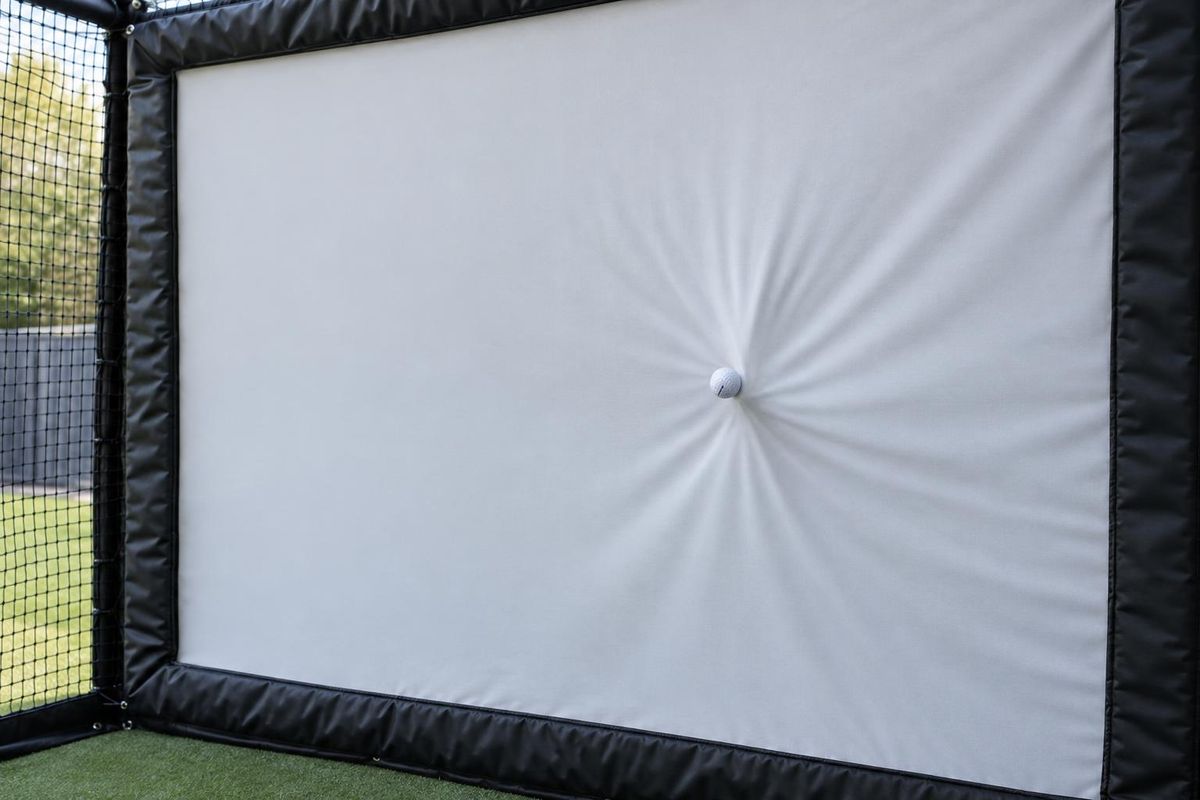
The impact screen
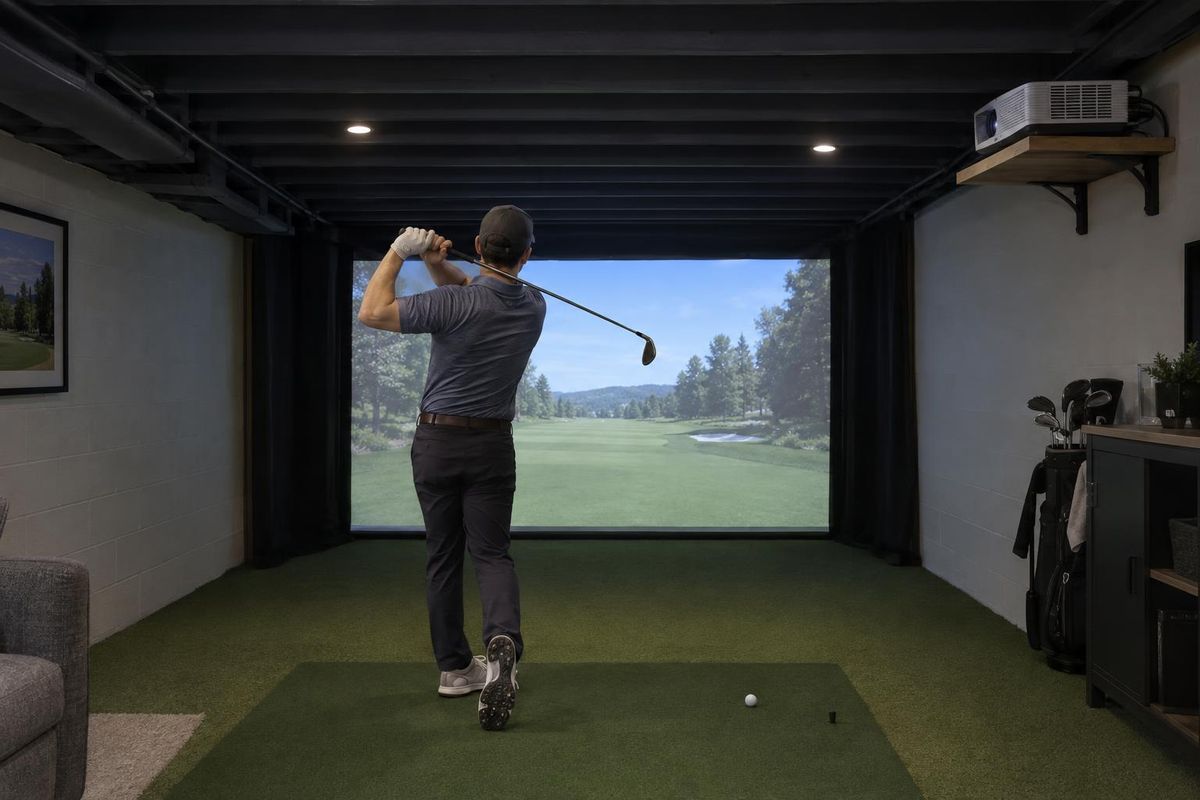
The screen must stop the ball and show the image. Materials, tension and size affect sound, durability and picture quality.
A properly tensioned screen with enough distance behind it reduces rebound.
The projector
Projectors differ in throw distance, brightness and resolution. A short-throw projector suits shallow rooms, while standard-throw projectors need more distance.
Brightness matters if the room has lights or windows.
The enclosure
An enclosure frames the screen, holds padding and netting and gives the bay a finished look. Custom enclosures use every inch of the room.
Padding on the sides, top and floor protects the walls and the golfer.
Putting it together
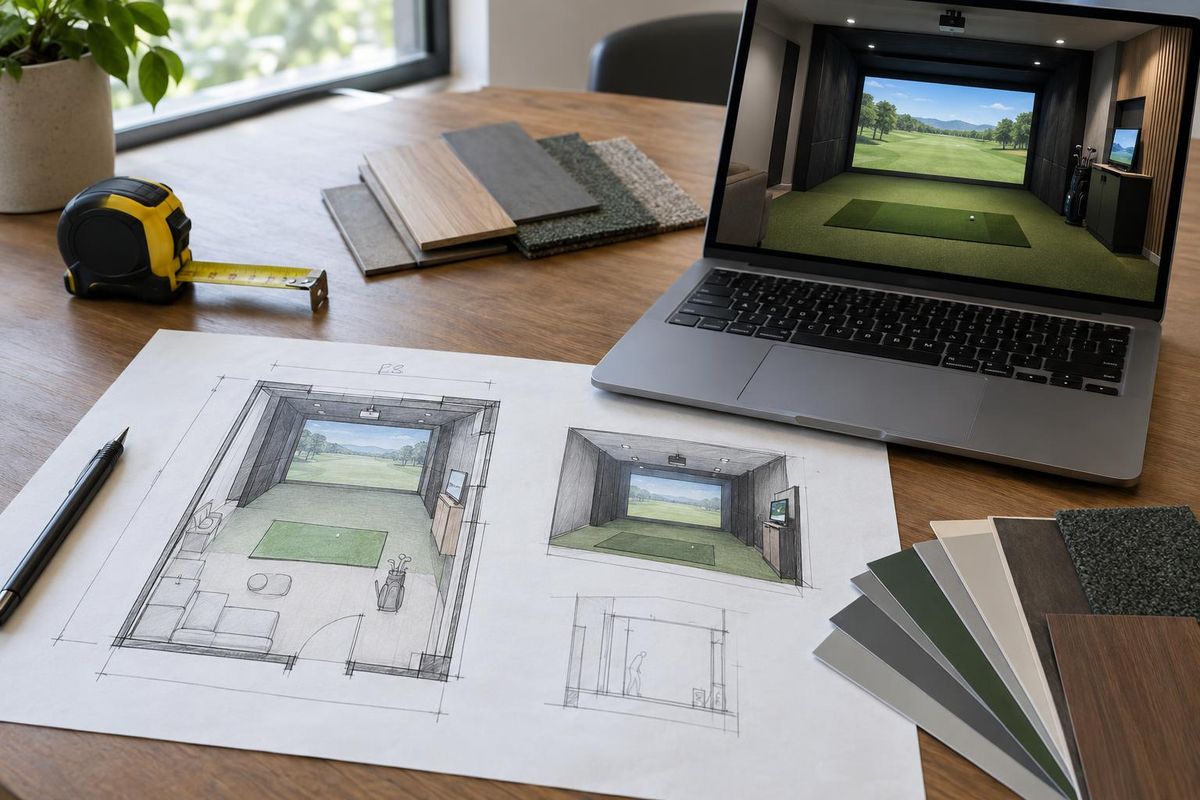
Screen size, projector throw and room depth all depend on each other. Changing one changes the others.
Plan them together before you buy anything.
Quick answers
Can I use a TV instead of a projector?
A TV is not made to take a golf ball. Projectors and impact screens are the standard.
How big should the screen be?
As large as the room and safety margins allow, with a good viewing distance.