Key takeaways
- Check the screen and frame for wear and loose corners.
- Clean lenses and sensors gently.
- Keep software and drivers up to date.
- Recalibrate after moving equipment.
Screen and enclosure
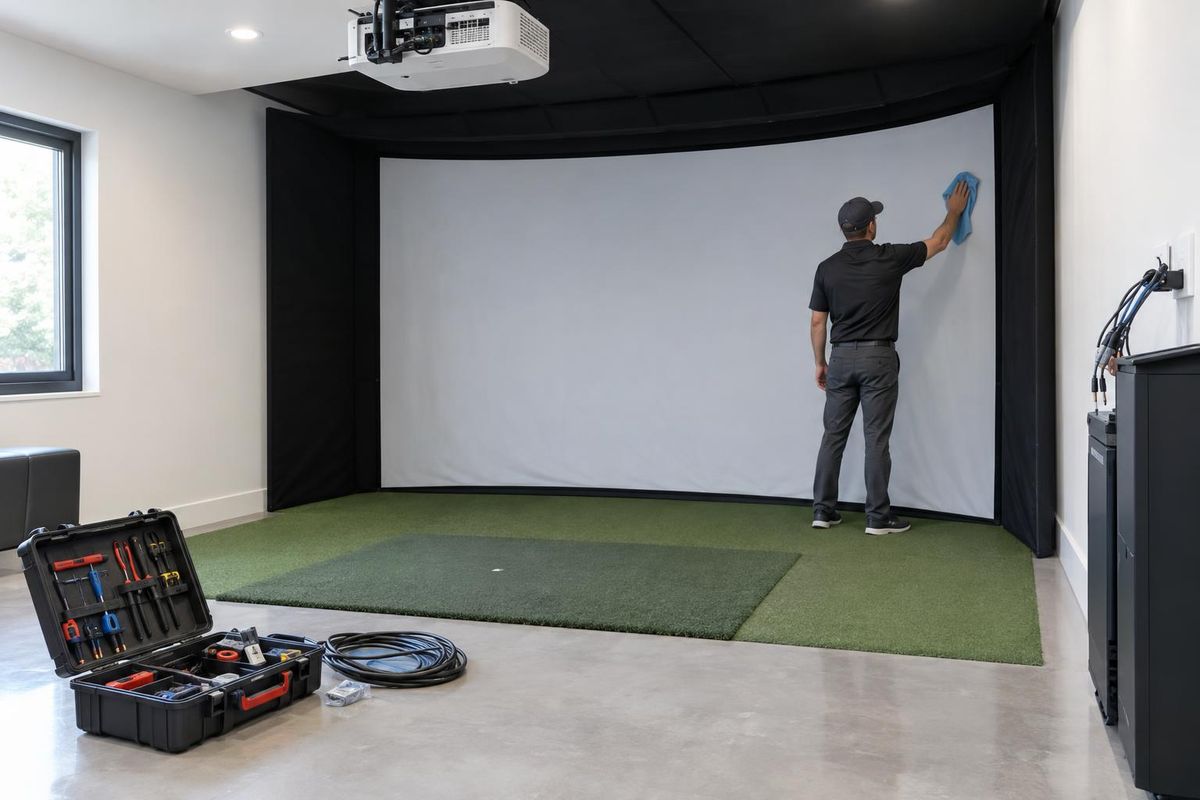
Look for tears, loose corners and worn padding. Tighten frame bolts and replace worn screens.
Vacuum or wipe the screen according to the maker's guidance.
Monitor and projector
Wipe lenses and sensors with a soft cloth. Keep vents clear on the projector.
Replace lamps or filters as needed.
Computer and software
Update software and drivers when the maker recommends it. Keep enough storage free for updates and courses.
Back up your settings.
Mat and floor
Rotate or replace the mat when the turf flattens. Sweep debris and tees from the platform.
Check that the mat sits flat and flush.
Quick answers
How often should I service my simulator?
A yearly check suits most home bays. Commercial bays need more.
What if shots start to drift?
Check the alignment and the lighting, and consider a recalibration.