Key takeaways
- Software turns launch data into a round of golf.
- Course libraries, graphics and practice tools differ a lot.
- Not every program works with every monitor.
- Graphics need a computer with a capable graphics card.
What the software does
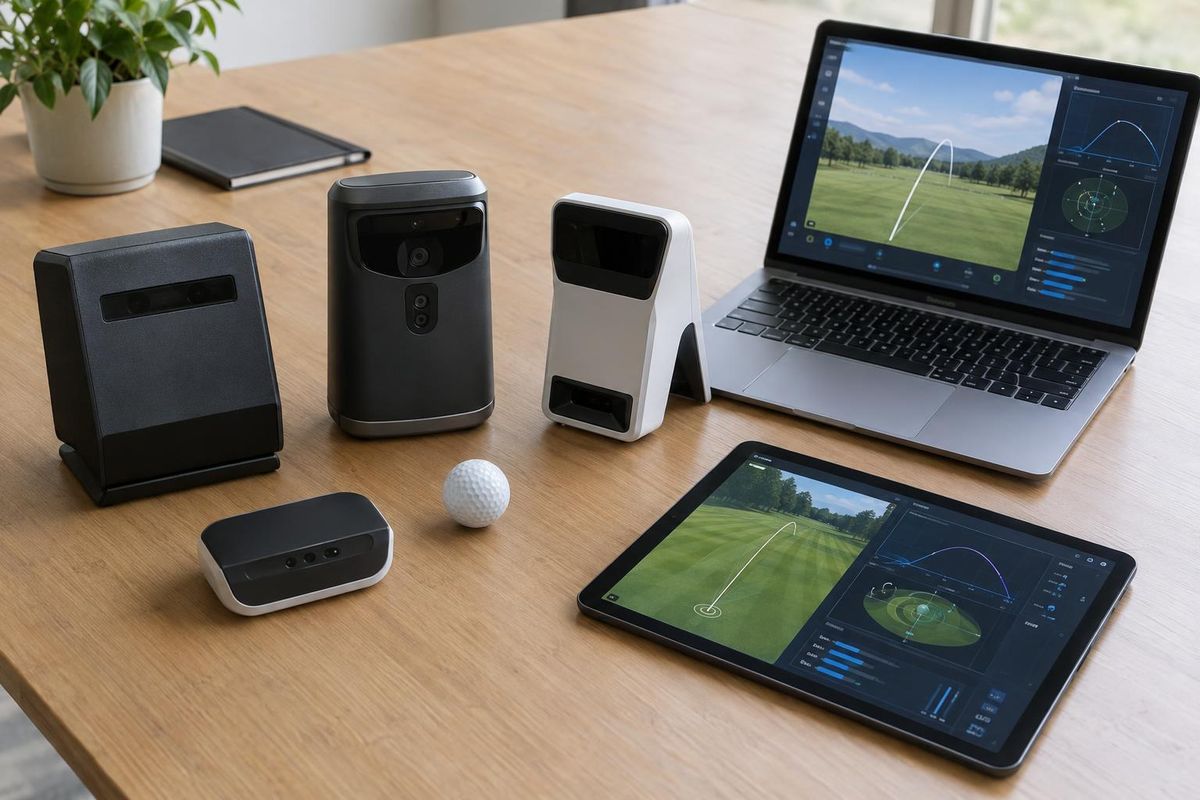
The monitor measures the shot and the software draws the ball flight on a course. Good software also tracks stats, offers practice ranges and supports games with friends.
Some programs also support online tournaments and shared course libraries.
Popular programs
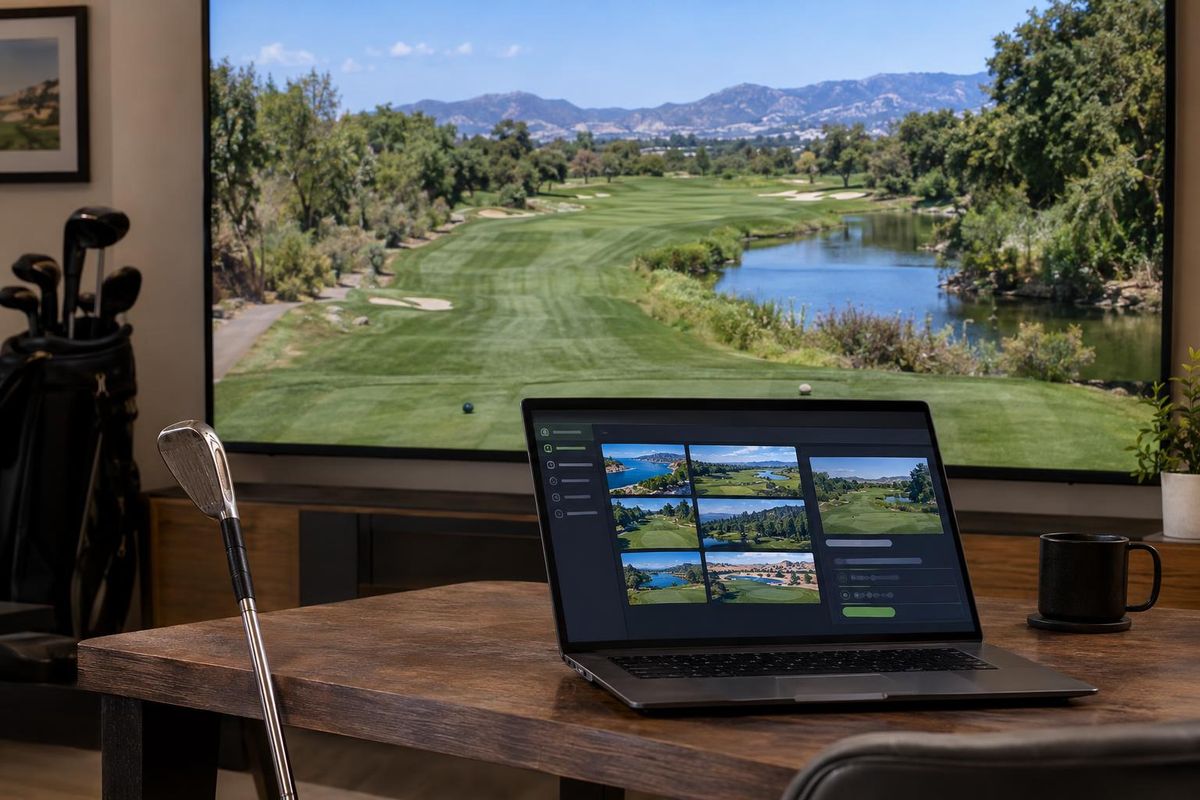
Programs such as GSPro, E6 Connect and The Golf Club are common choices. Some are free, some require a subscription and some sell courses separately.
Look at the course library, the graphics, the practice tools and the community.
Compatibility
Each monitor supports a certain set of programs. Before you buy a monitor, check that the software you want is on its list.
Some monitors have their own included software as well.
Computer requirements
Course graphics can be demanding. A strong graphics card and enough memory keep play smooth. A weak computer is the most common cause of lag.
We can recommend a computer for your software.
Quick answers
Do I need a subscription?
Some programs do. We explain what you need before you buy.
Can I use more than one program?
Often yes, if your monitor supports them.