Key takeaways
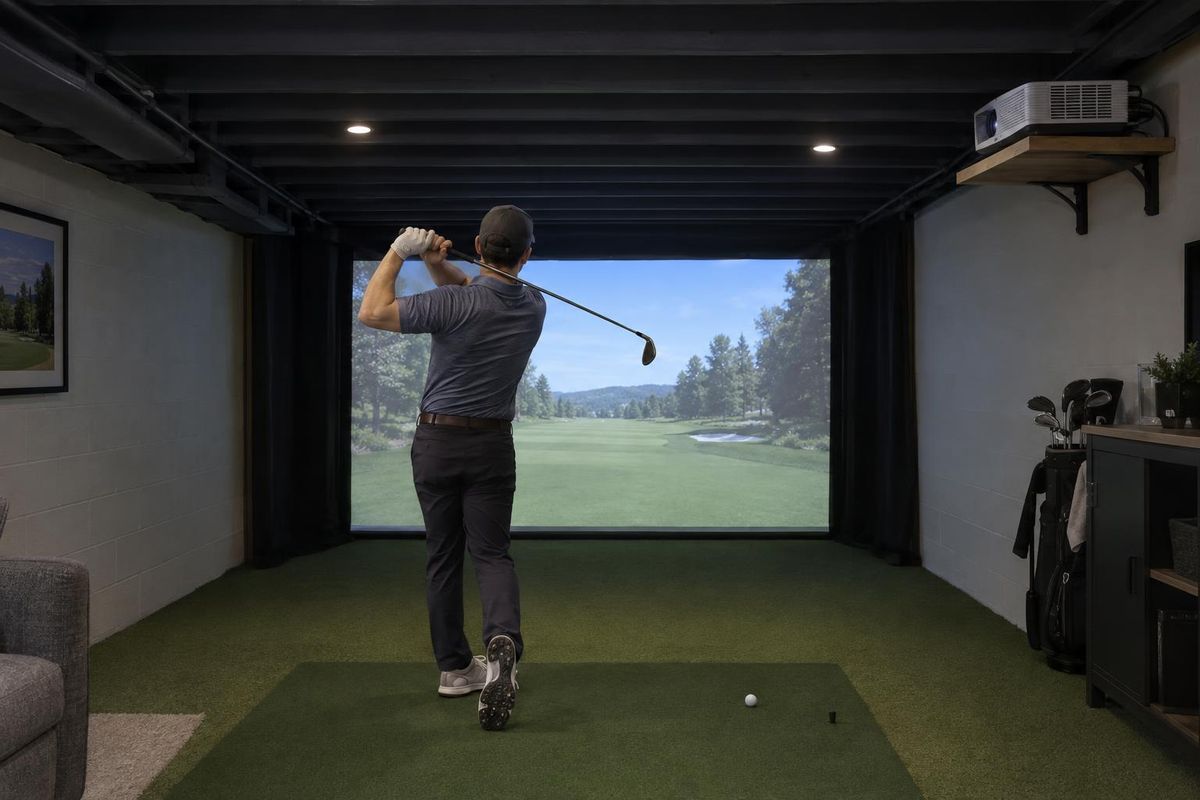
- A simulator is a monitor, software, computer, projector, screen, mat and enclosure.
- Spend first on the monitor, the screen and the room.
- Skip extras you will not use until the basics are right.
- A good installation matters as much as good equipment.
The parts
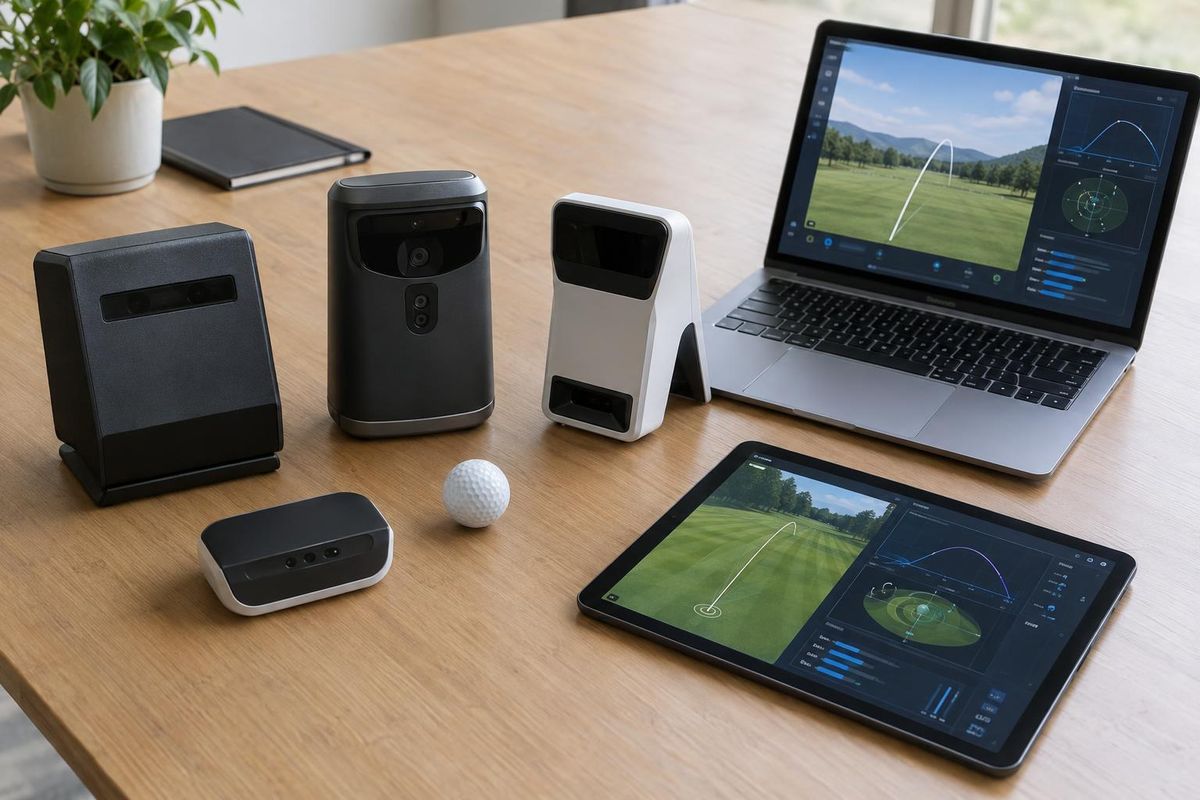
The launch monitor measures the shot. The software shows the course. The computer runs the software. The projector throws the image. The screen takes the ball and shows the picture. The mat is where you hit from. The enclosure keeps it all safe and tidy.
Every part affects the others.
Where to spend first
The monitor and the screen make the most difference to how the simulator feels. The room and the layout matter just as much.
A better projector and mat are the next steps.
What can wait
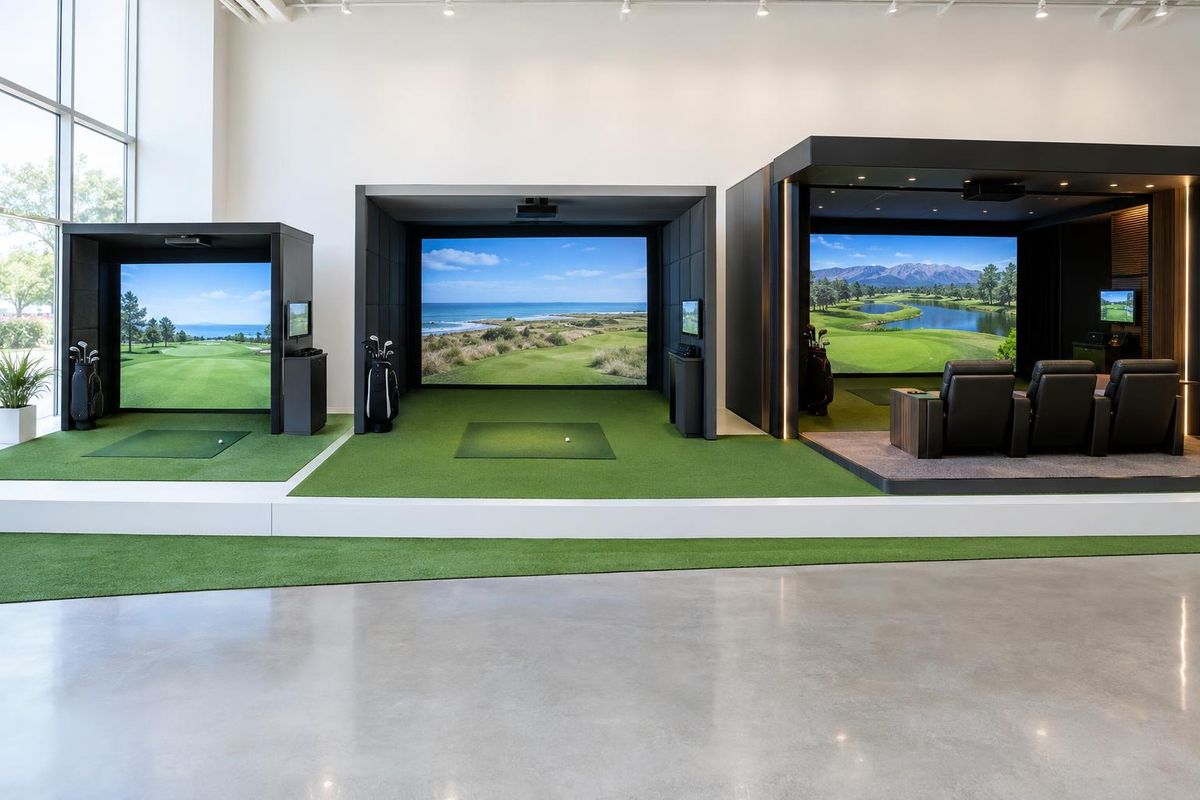
Fancy lighting, sound systems, putting greens and bars are great, but they can be added after the basics work well.
Plan for them so they can be added without tearing things apart.
Installation and support
A well-planned installation saves time and frustration. Calibration, screen tension and projector alignment are skills.
Ask who will help you if something goes wrong.
Quick answers
How long does it take to build a home simulator?
Planning takes a few weeks. Installation often takes a day or two once the room is ready.
Can I upgrade later?
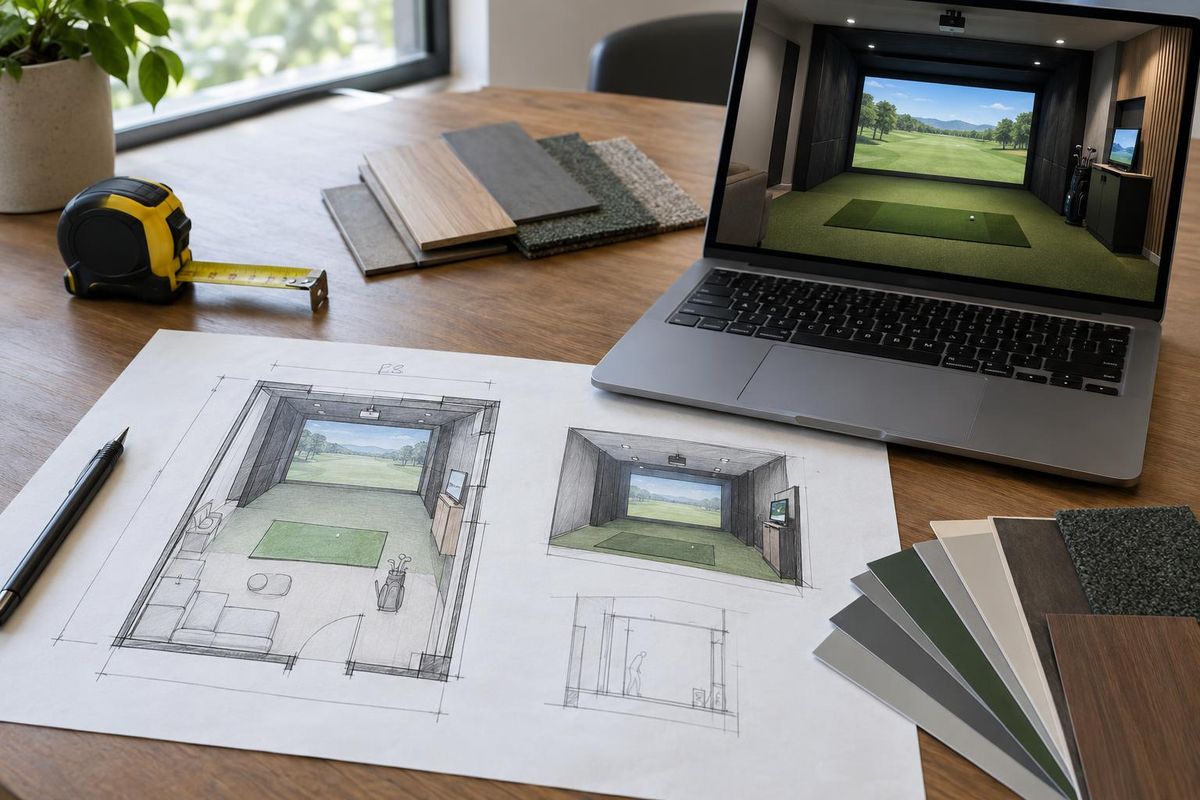
Yes. Plan the room so you can add and swap parts.