Key takeaways
- Keep light off the screen and off the monitor's view.
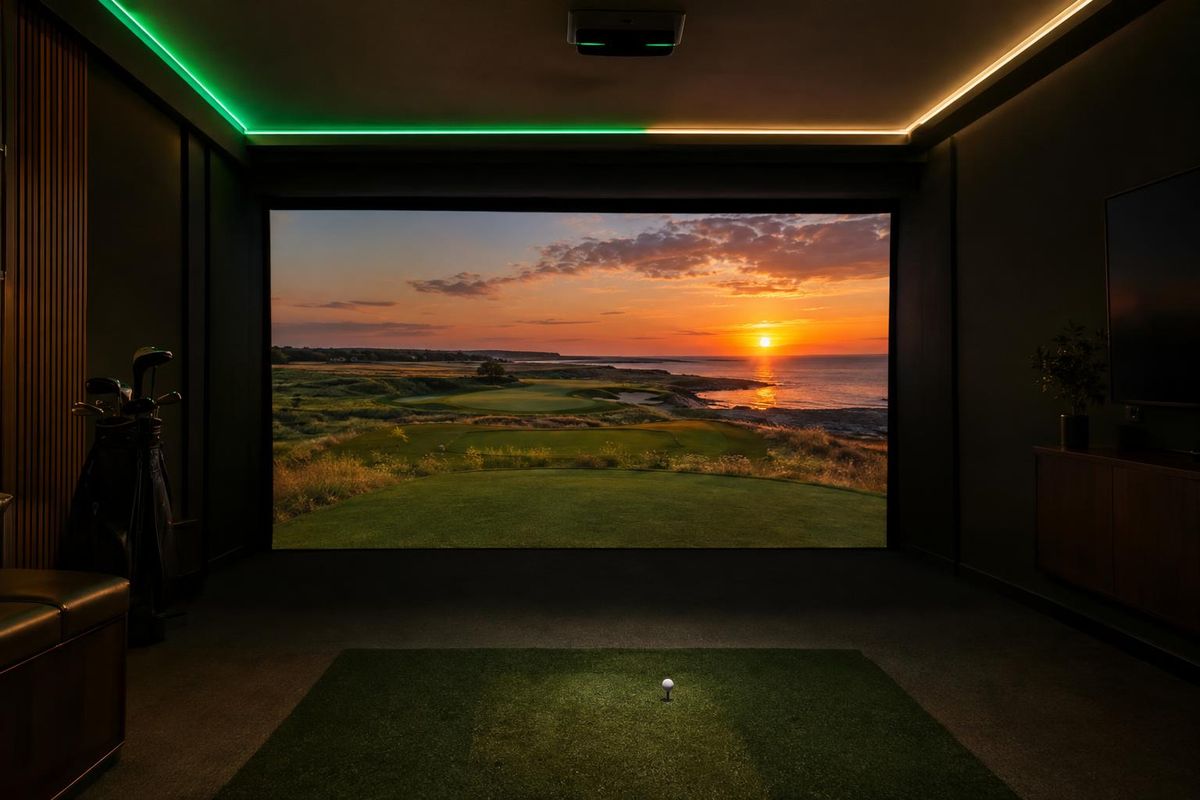
- Use zones and dimmers instead of one bright light.
- Dark, matte walls help the image.
- Good sound covers the thud of impact and adds atmosphere.
Light zones
Separate the lighting for the hitting area, the seating and the accents. Dimmers let you switch between play and party.
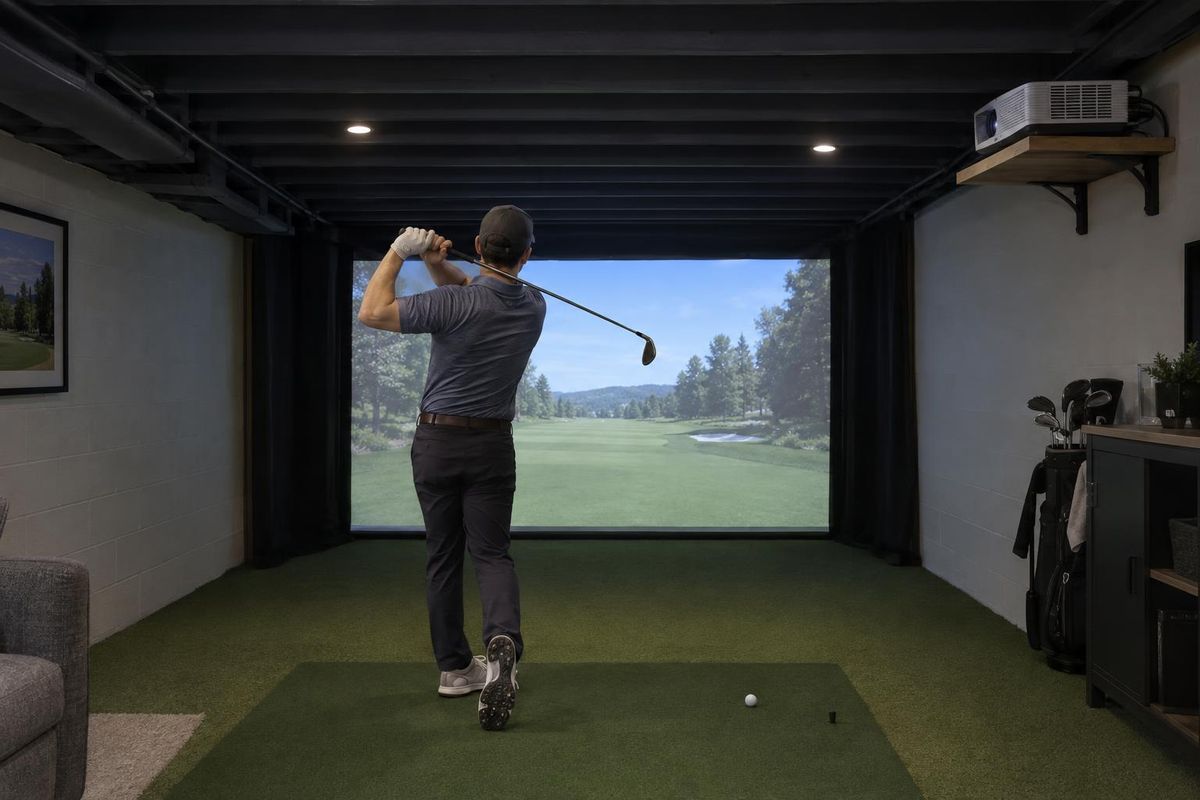
Avoid fixtures that shine on the screen.
Camera monitors and light
Camera-based monitors can be sensitive to light. Even, indirect lighting works best.
Follow the maker's guidance for your monitor.
Wall and ceiling color
Dark, matte paint reduces reflections and makes the image look richer.
White ceilings and walls near the screen can wash out the picture.
Sound
Speakers or a soundbar make a round feel real and cover the impact sound. Place them so they do not distract from the screen.
Plan wiring before walls are closed.
Quick answers
Can I use the room for movies too?
Yes, with a good screen and projector, and lighting you can dim.
Do I need surround sound?
No. A good soundbar can be enough.